AI Humanizer by JustDone
Get a natural, human-sounding version of your text in seconds without losing the original meaning.
Trusted by Students from 3,000+ Leading Universities and Institutions
See AI Humanizer In Action
Paste any AI-like text and watch it transform. The result reads naturally, passes detection tests, and preserves your argument.
Academic writing is a formal style of communication used in educational and research contexts. It aims to present ideas, arguments, and evidence in a clear and structured manner. The primary purpose is to inform, analyze, or evaluate a topic based on credible sources and logical reasoning. This type of writing is commonly used in essays, research papers, reports, and scholarly articles.
Academic writing operates at the intersection of evidence and argument. It is the discipline of converting research into knowledge, structured, sourced, and built to withstand scrutiny. Every claim traces back to evidence. Every argument follows a logic that can be examined, challenged, and verified. In research papers, essays, and scholarly articles, this discipline is not a stylistic choice. It is the standard.
Humanize AI Content the Smart Way
We do not just swap words using a simple humanize AI text tool. JustDone rebuilds sentence rhythm, adjusts tone, and removes AI patterns. So, the result sounds like a person actually wrote it when you need to humanize AI.
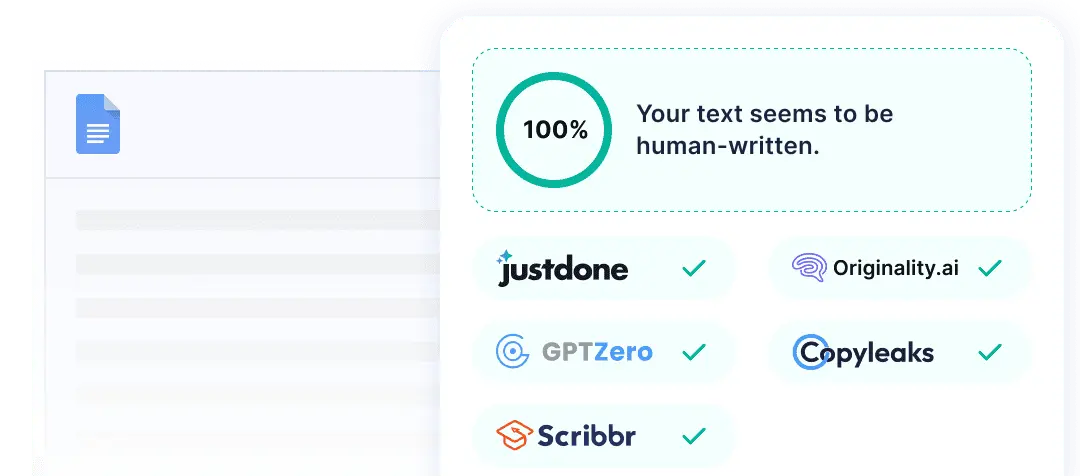
Start Paraphrasing Instantly
No setup required. Paste your draft and get a humanize AI text output immediately. Works on essays, emails, articles, reports, and everything in between.
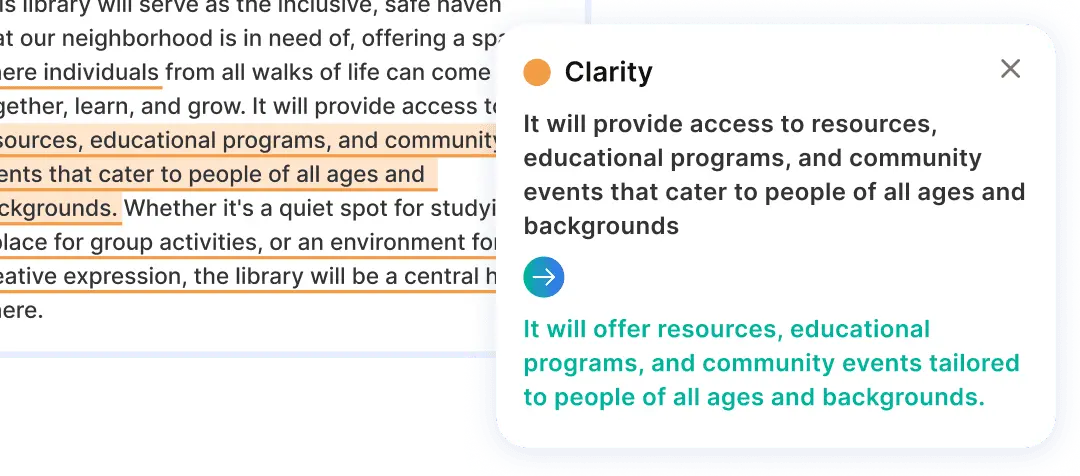
Humanize Text Without Losing Your Style
Choose your tone before attempting to humanize AI content — from more formal to casual. The meaning stays the same. But the voice becomes yours.
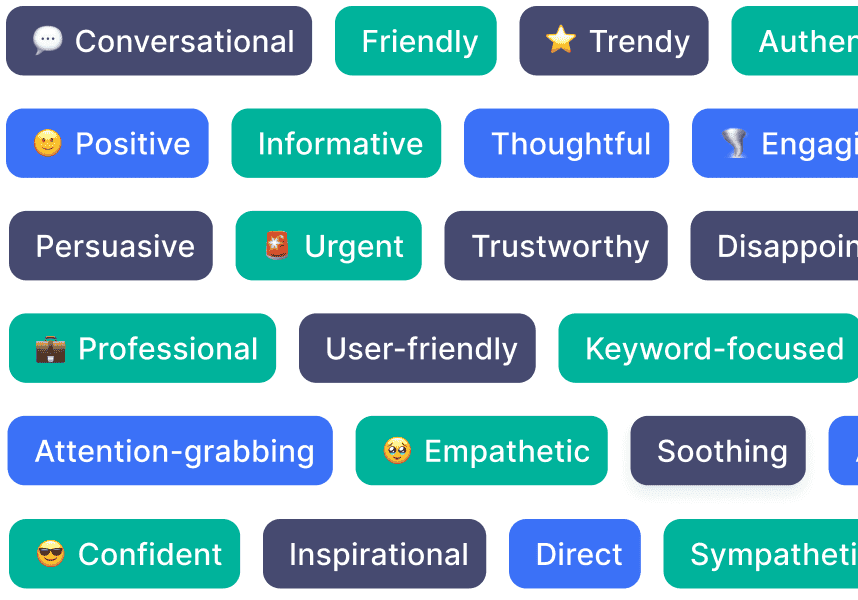
Adjust Tone On the Go
Switch between tones mid-session as you work through different sections. One document, multiple voices, handled by the same humanize AI text feature that excels at humanizing text.
How to Humanize AI Text in Three Steps
Go from AI-generated to human-sounding in three steps. Pick your tone, apply our tool to the draft, and confirm the result with a detection check.
Paste your AI to human draft
Copy your AI-generated content directly into JustDone to seamlessly convert AI to human style. Any length, any format, no reformatting required.
Choose your tone
Select the mode that fits your context: academic for coursework, professional for business content, or natural for anything else.
Review and refine
Get your humanized AI output in seconds. Read it, adjust if needed, and copy it when it sounds right. Then run an AI detection check to confirm before submitting.
HUMANIZE → DETECT → REFINE
The Smart Workflow: Humanize, Then Detect AI
Humanize AI text and verify the result in the same place. JustDone's built-in AI Detector shows you exactly which sentences still read as AI after humanizing. Revise with precision rather than guessing.
See the AI score after each rewrite
Humanize these sections without starting over
Re-check with the JustDone AI Detector and refine in your own words
Check your draft
An AI-likelihood signal, not a verdict
Humanize flagged parts
Smooth rhythm, phrasing, and tone
Re-check & finish in your voice
Add your own edits before you submit
Reads as AI
Reads more naturally
More Than a Rewrite
Most tools replace words with synonyms. JustDone rewrites the structure. By changing sentence flow, rhythm, and predictability, it works to humanize AI text into content that reads naturally and feels human.
Unlock JustDone Premium
Everything you need to refine, check, and perfect your writing — in one subscription.
See plans & pricing- Unlimited words & longer documents
- Every tone & style preset
- Built-in AI-likelihood re-check
- AI Detector & Plagiarism Checker
- Built-in fact checker
- Access to every JustDone AI tool
AI to Human Text for School, Work, and the Web
If an AI draft needs to read as if a person wrote it, converting AI to human text with JustDone has you covered. Use one tool for every context where your writing needs to sound human, not generated.
Get startedStudents
Refine AI-assisted drafts for essays and assignments, so they read clearly and sound like you. Use our workflow to humanize AI text before submitting, and always cite AI use and follow your institution's policies.
Non-native English writers
Turn machine-translated phrasing into natural, conversational English. The process of humanizing AI output helps keep your meaning and tone clear while removing the awkward patterns that make it sound unnatural.
Content creators and marketers
Turn AI first drafts for blogs, social posts, and emails into engaging copy that reflects your brand voice. Perform an AI-to-human transformation on AI content once, and publish something that actually sounds like it came from a person.
Professionals
Make AI-assisted reports, proposals, and emAIls sound clear, confident, and human. When you humanize AI writing, the process preserves your message while removing the flat, machine-polished tone.
An All-in-One Solution to Make Your Writing Sound Like You
Plagiarism Checker
Check your text against billions of sources and get a sentence-level similarity report. See exactly what was flagged, where it came from, and fix it before you submit.
AI Detector
Paste your text and see your AI probability score broken down by sentence. Know what your professor's detection tool will find before it does.
AI Paraphraser
Reword sentences and paragraphs while keeping your original meaning the same. Choose your tone, adjust the strength, and get a cleaner version in seconds.
Grammar Checker
Catch grammar, punctuation, and clarity issues in one pass. Get specific suggestions that improve how your writing reads without changing what it says.
Academic Integrity and the AI Humanizer
JustDone's AI humanizer is built to support honest, authentic writing, not to help anyone misrepresent AI-generated work as entirely their own. It is a legitimate writing tool that works the same way as a writing tutor who reviews your draft for tone and clarity. What it does not do is change who authored the ideas or arguments in the piece. Before submitting any humanized AI content in an academic context, check your institution's policy on AI use and disclosure.
Clarity, not disguise
JustDone's AI humanizer is built to make your writing sound natural and clear, not to hide that AI was involved. Humanize AI text to improve how it reads, not to misrepresent who wrote it.
Honest about limits
Humanizing AI content lowers detection scores, but a lower score is not the same as original authorship. We say that clearly so you know exactly what the tool does and what it does not do.
Transparent about AI
Humanize AI output and still follow your institution's disclosure rules. We provide clear guidance on when and how to declare AI assistance, because using the tool responsibly matters.
Everything you need to know about humanizing AI text
What is an AI humanizer?
An AI humanizer (or AI-to-human text converter) rewrites AI-generated content so it reads more like natural human writing. It changes rhythm, tone, word choice, and sentence flow while keeping your original meaning intact. The goal isn't to trick anyone — it's to turn a stiff first draft into clear, readable writing that still sounds like you.
A humanizer is a starting point, not a substitute for your own thinking. The best results come from humanizing a draft, then adding your own edits and voice.
How humanizing works
AI-generated text shares a recognizable fingerprint. Humanizing targets the specific patterns that make writing feel machine-generated:
Sentence rhythm
People mix short and long sentences; AI keeps an even, predictable beat. Humanizing varies the cadence.
Word predictability
Models pick the most expected next word. Humanizing swaps stock phrasing for clearer, specific language.
Repetition & filler
AI repeats structures and hedges. Humanizing trims filler and breaks up formulaic transitions.
Tone & voice
Generic, neutral phrasing gets shaped toward your point of view and the audience you're writing for.
Humanizing vs paraphrasing vs rewriting
They overlap, but they're not the same. Rewriting recreates sentences from scratch, often changing most of the words. Paraphrasing puts existing text into new words, with smaller changes. Humanizing keeps your text largely intact but adjusts rhythm, structure, and word choice to remove the patterns that make writing feel machine-generated. If you want to learn the difference in depth, see our AI paraphraser.
What an AI score actually means
An AI-likelihood score is a signal, not a verdict. It estimates how machine-written a passage reads — it can't prove who wrote something, and no score is perfect. Chasing a flawless "100% human" number isn't always meaningful or even possible, especially for short texts. Focus on whether your writing reads naturally and reflects your own ideas, and treat any score as one input among several.
Using an AI humanizer responsibly
Humanizing is a legitimate way to make your own writing clearer and more natural. The line to avoid is using it to pass off work that isn't yours, or to disguise AI use where disclosure is required. Trying to present someone else's words — or a chatbot's — as your own, even after rewording, can be a form of plagiarism. Always follow your institution's or employer's AI guidelines, and cite AI assistance when the rules call for it.
Tips for genuinely natural writing
A humanizer gets you most of the way; these habits close the gap:
- Start from your own outline and ideas, then use AI to draft — not the other way around.
- After humanizing, read it aloud and edit anything that doesn't sound like you.
- Add a specific example, detail, or opinion only you would include.
- Re-check with an AI detector and cite AI assistance where your guidelines require it.
Learn more about writing with AI
Practical guides to help you write naturally and responsibly in the AI era.
Frequently Asked Questions
Will humanizing AI text reduce AI detection scores?
Humanizing can improve the natural feel of your writing, which may reduce AI-like patterns, but no tool can guarantee undetectable AI. For best results, humanize your draft, add your own edits, and check it with an AI detector.
What types of content can I humanize with AI?
AI can humanize any text that sounds robotic. Use JustDone AI Humanizer for essays, emails, long articles, short sentences, or any text produced by AI tools like ChatGPT or Gemini. If your content is AI-generated, the Humanizer rewrites it to feel natural and authentic with just one click.
Can I humanize AI content for better readability?
Yes. AI-generated text often sounds robotic and is hard to read, with awkward wording and formal structures. The JustDone Humanizer removes AI patterns and rewrites sentences, making your text clear and easy to read and understand — in any language.
Is the AI Humanizer useful for non-native English writers?
Absolutely. ESL users can humanize AI drafts or translated texts into more natural English. It helps remove stiff or machine-translated phrasing but keeps your tone and meaning clear.
What is the best AI humanizer?
The best AI humanizer depends on what you need it for, but strong options combine natural, varied sentence structure with the ability to bypass AI detectors while preserving your original meaning. JustDone's AI Humanizer is built for exactly this. It rewrites AI-generated text so it reads naturally and passes as human-written, without losing the substance of what you wrote.
Why humanizing matters?
AI-generated text often has patterns like repetitive sentence structures, overly formal phrasing, or a certain "flatness." That both readers and AI detectors can pick up on. Humanizing matters because it makes your content sound authentic and engaging, helps it pass AI detection tools used by schools, publishers, and platforms, and ensures your voice comes through rather than a generic AI tone.
What does humanizing mean?
Humanizing means taking text that was written or heavily assisted by AI and rewriting it so it reads the way a person naturally would — varying sentence length and rhythm, softening robotic phrasing, and adding the small imperfections and stylistic touches that make writing feel genuinely human rather than machine-generated.
How to humanize AI-generated text with a tool?
Paste your AI-generated text into a tool like JustDone's AI Humanizer, which rewrites the content to sound more natural and human while keeping your original meaning intact.
How to make AI sound more human?
To make AI-written text sound more human, vary your sentence lengths, swap generic phrasing for more specific or conversational language, add personal touches like anecdotes or opinions, and avoid overly repetitive structures. Running the text through JustDone's AI Humanizer automates this process because you can adjust tone, rhythm, and word choice. This way, the result reads naturally rather than like a machine wrote it.
Make your AI draft sound like you
Humanize AI text in seconds — natural tone, accurate meaning, lower detection score. Re-check with the AI detector before submit.
