
Get Premium

Trusted by Students from 3,000+ Leading Universities and Institutions

Write Smarter. Not Just Safer.

Go beyond a plain AI score. JustDone shows the weak lines, fixes errors, and rewords flagged text. Clean up your draft in the same window, without pasting it into four other tools to get the job done.

One Click to Sound Human

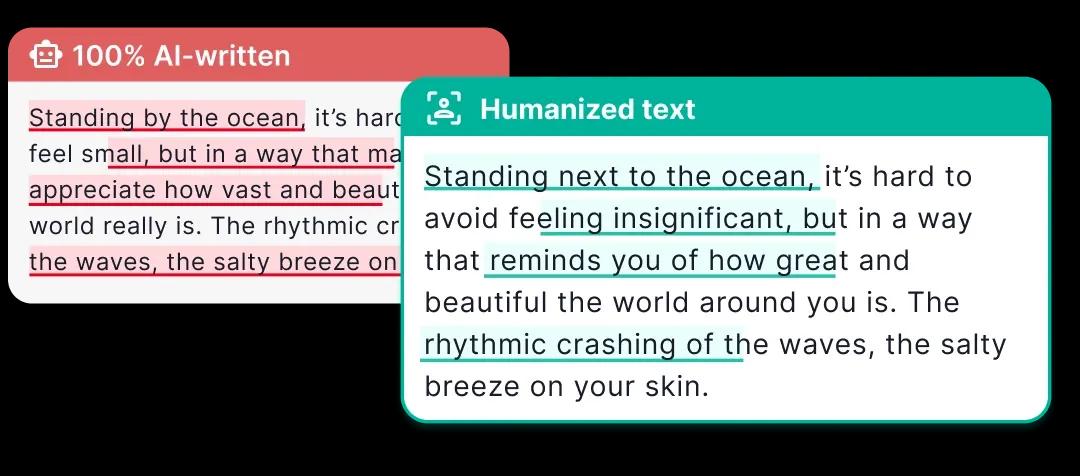
Found AI-sounding text? Fix it on the spot. The tool doesn't just flag robotic writing, but rewrites it in your own voice with a single click. You keep your point and your tone, and the machine-like phrasing goes away. No retyping line by line, no lost time, and no copy-paste back and forth between apps.

Built-in Fact Checker

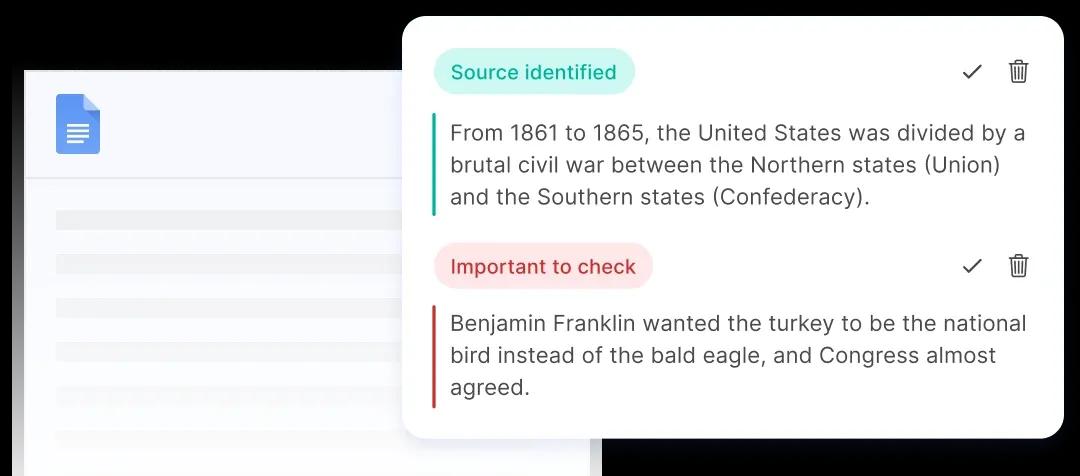
Catch more than AI. The built-in fact checker sorts facts from fiction, so every claim you publish holds up to a second look. One scan covers both the AI score and the accuracy of what you wrote. It means your work is clean on both counts – AI-free writing and correct facts in a single flow.

AI Detection Tool That Shows What To Fix

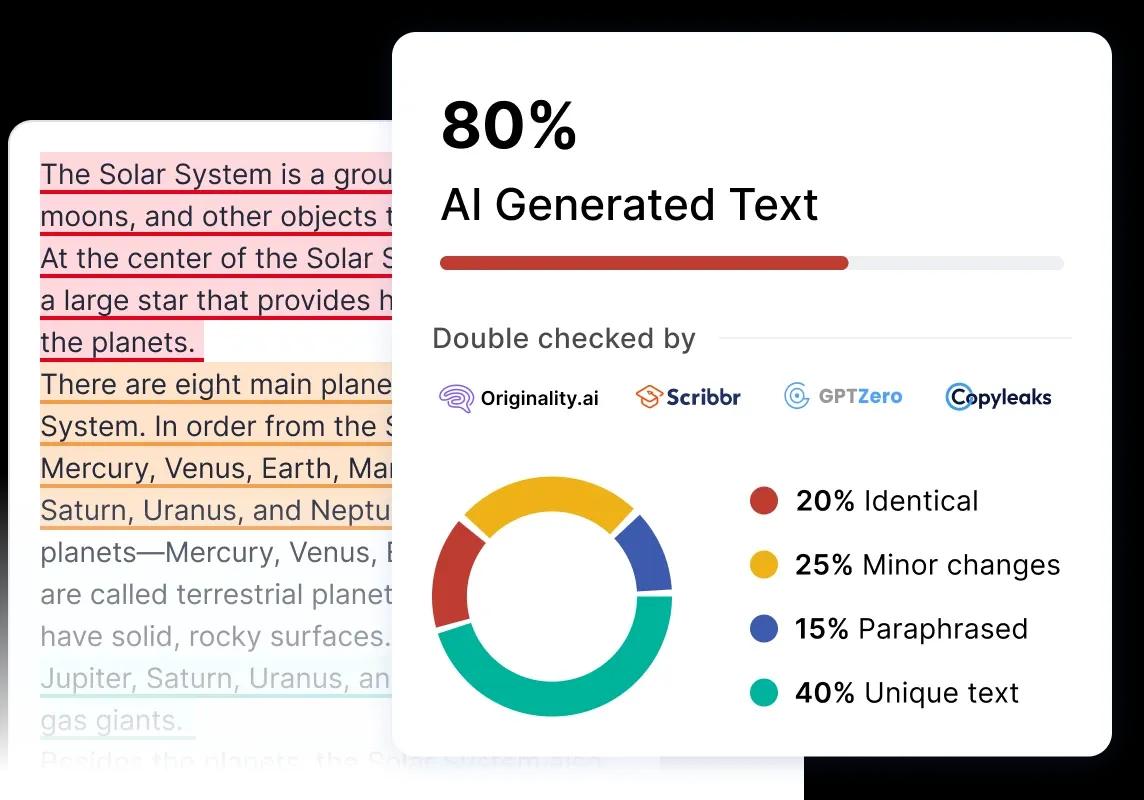
Stop guessing which lines look AI. JustDone’s AI detection tool marks the exact sentences that need a human touch and explains why. You get a clear plan instead of a vague warning, so you can edit, rewrite, and publish with full control. Then, rescan in seconds to confirm the changes did what you wanted.

How JustDone AI Detection Works

Most AI detection tools read raw model output and stop there. JustDone goes further. Our detector keeps learning from new AI writing, including texts from ChatGPT, GPT-4, GPT-5, Claude, Gemini, and Llama that's already been run through a paraphraser or grammar tool.

Independently benchmarked.

01

Signal Analysis

We scan for predictable word choices, repeated sentence rhythm, and copy-paste structure — patterns that stay even after a paraphraser or grammar tool has touched the text.

02

Context Validation

We check semantic consistency and flow across your entire document. Calibrated to minimize false positives in formal, academic, and non-native writing.

03

Confidence Report

You get a clear score, sentence-level highlights showing exactly what triggered the detection, and direct next steps on what to fix and what needs no changes.

Who Can Benefit From Our AI Detector

Built for academic and professional writing, this AI text detector reads the way a careful reader would and shows its work. Working on a thesis, grading a stack of papers, or publishing for an audience, you get the same clear evidence behind every flag.

Students

Check your paper before submit

Worry your paper may get flagged as AI-written? Run it through JustDone before you submit. See which sentences look AI-generated and fix them in one click.

  • Check your paper for AI-generated content before submission
  • See AI score and flagged sentences
  • Rewrite flagged sections without changing your argument

Educators

Review student work with context

Get more than a score. See exactly which sentences in a student's paper were flagged as AI-generated. Download the report and go into the conversation with specific evidence.

  • Scan any student assignment for AI-generated text
  • Download a sentence-level report
  • Identify AI patterns across different writing styles and academic formats

Content Creators

Publish content with confidence

Check your article, post, or script for AI before publishing. Find the sections that read as AI-generated and rewrite them in your voice with the built-in Humanizer.

  • Scan articles, blog posts, and scripts for AI-generated content
  • Rewrite flagged sections in your own voice with one click
  • Make sure your content reads as human-written before it goes live

How to Detect AI With JustDone

Run a full check in three short steps — the simplest way to detect AI in any text. No setup and no account needed for your first scan for AI text.

1

Paste or upload your text

Paste your text directly or upload a PDF, Word, or TXT file. Check up to 15,000 words in one scan.

2

Run the AI Checker

Hit Detect AI and read your results in seconds. The AI checker compares your text against output from ChatGPT, GPT-5, Claude, Gemini, and DeepSeek.

3

Read the report and fix flags

Open the sentence-level report to see what set off each flag. Reword the marked parts with the humanizer, then rescan to confirm the text reads clean.

Academic integrity has never been easier to achieve

JustDone is committed to promoting and protecting academic integrity. Our tools are designed to help students create authentic work. Before relying on suggestions from JustDone’s Detector, make sure you follow your institution’s or organization’s rules on how to credit AI support.

An All-in-One Solution To Make Your Writing Shine

Frequently Asked Questions

What is an AI detector?

An AI detector is a tool that reads your text and estimates how much of it was likely written by an AI model such as ChatGPT, Claude, or Gemini. JustDone returns a score plus sentence-level flags, so you see which lines look machine-written.


It analyzes text and estimates whether it was written by a person or by an artificial intelligence model. JustDone uses several detection methods: 

  • Text predictability measures how predictable the words used are. AI tends to choose more expected words, while human writing tends to be more varied and unpredictable. 
  • Sentence uniformity score evaluates whether sentences maintain similar structures. Humans naturally mix short and long sentences, while AI keeps a more consistent rhythm. 
  • Linguistic patterns checker identifies typical signs of AI, such as generic phrases, repetitions, or an overly neutral tone. 

These methods are combined with algorithms trained on large volumes of human and AI-generated texts. Our detector calculates a score indicating the likelihood that the content was created by artificial intelligence. However, no detector is completely accurate and can make errors in both directions.

It can detect and analyze diverse content elements, such as images, text, keywords, and more. It can also identify patterns, trends, and anomalies, enabling users to leverage valuable insights for their content creation and optimization strategies.

No detector is perfect. But some tools are more accurate, than others. For instance, JustDone shares real benchmarks: 80% accuracy overall and 98% on academic and scientific texts. Results are most reliable on longer documents.


Yes. Beyond a score, JustDone flags weak, robotic lines and helps you reword them, so your final draft reads clearer and more like you.


Absolutely! The JustDone AI detector is designed to be user-friendly, offering intuitive features and easy-to-use tools that empower content creators to leverage the full potential of artificial intelligence for their content creation and optimization endeavors.

It depends on what you're checking and how much accuracy you need. A good AI checker should catch text from tools like ChatGPT, Claude, or Gemini without falsely flagging normal human writing. JustDone's AI Detector is built to do just that — quick scans, clear results, and it holds up well even on text that's been lightly edited after being AI-generated.


Most colleges don't rely on just one tool. Some use Turnitin's built-in AI detection since it's bundled with the plagiarism software they already have, while others use standalone checkers like JustDone alongside it for a second opinion. Policies vary a lot by school and even by individual professor, so it's worth checking your syllabus or asking directly if you're unsure.


Just paste the text into an AI detector like JustDone and it'll scan the writing and give you a score showing how likely it is that AI was involved. It usually only takes a few seconds, and you can check anything from a short paragraph to a full essay or article.


  • Content Analysis
  • AI Detector
  • Plagiarism Checker
  • AI Summarizer
  • ENEN
    • SR
    • CS
    • EL
    • TH
    • RO
    • SV
    • SL
    • KO
    • SK
    • NB
    • HU
    • ML
    • LV
    • FIL
    • LT
    • PTPT
    • DA
    • ESES
    • UK
    • TE
    • KN
    • TA
    • MS
    • MR
    • GU
    • ID
    • HI
    • NL
    • HR
    • FI
    • ET
    • CA
    • BN
    • BG
    • VI
    • PL
    • ZH
    • TR
    • FRFR
    • JA
    • DEDE
    • ITIT
    GM Appdev Limited, Office 202, 2nd Floor, 15 Nafpliou Str., 3025, Limassol, Cyprus
    By continuing you agree with Privacy Policy, Terms of Service, Notice at collection
    chrome iconChrome Extension
    some-alt