Key takeaways:
- Every image reference needs the same details: creator, year, title or description, and where you found the image.
- Cite the page or museum where the image lives, not Google Images or the search engine that showed it to you.
- An image you place in your paper needs both a reference entry and a caption or figure note under it.
If you need to know how to cite an image in a PowerPoint, in a research paper, or whenever, the rules are easier than they look. Students often search for how to cite a picture or how to cite a photo, but citation styles treat photos, paintings, charts, and screenshots the same way: they are all images. Each one needs a creator, a date, a title, and a location.
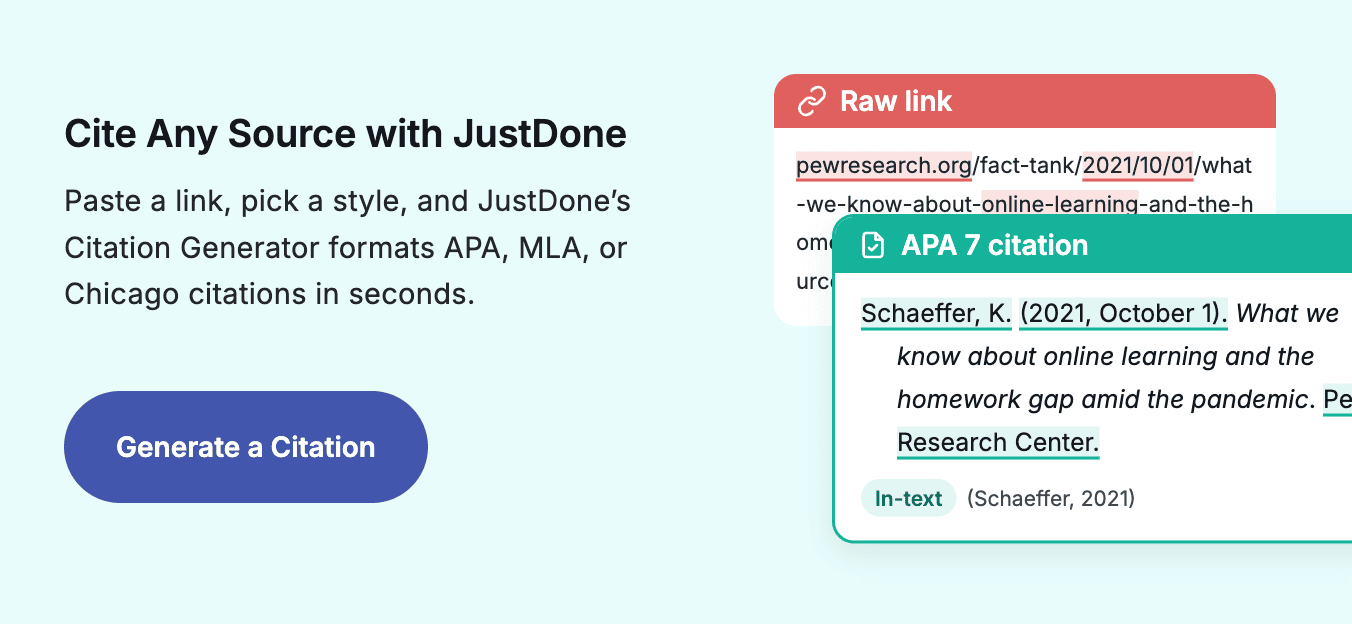
This guide gives you a template and a real example for APA, MLA, and Chicago. It also covers images from websites, stock photos, AI-generated art, and images with no author. If you have several sources, paste a link into the JustDone citation generator and pick your style.
If you need a quick view of citations in different formats, here it is:
Style | Reference format | In-text citation |
| APA 7 | Creator, A. A. (Year). Title of image [Format]. Site or Museum. URL | (Creator, Year) |
| MLA 9 | Last, First. Title of Image. Year. Website, URL. | (Last Name) |
| Chicago 18 | First Last, Title of Image, Year, Museum or Website, URL. | Footnote or caption |
Track Down the Original Source First
Citing an image starts with tracking down where it really came from. Search results, social feeds, and slide decks often strip the original details, so trace the picture back to its source before you write anything.
- Creator. The photographer, artist, or organization. Look in the caption, credit line, or image page.
- Year. When the image was created or posted.
- Title. The official title, if it has one. If not, write a short description such as "Photograph of a red fox."
- Format. Photograph, painting, map, infographic, or illustration.
- Location. The museum and city, the book and page, or the website and URL.
If you cannot find a creator or date after a real search, that is fine. Every style has a rule for missing information, which we cover below.
How to Cite an Image APA Style: Photos, Artwork, and Figures
APA is the standard in psychology, education, nursing, and most social sciences. An APA image citation follows the author-date pattern and adds the format in square brackets after the title. Here is the template:
Creator, A. A. (Year). Title of image [Format]. Site Name or Museum. URL
Here is a real example for a photograph held by a museum:
Cameron, J. M. (1866). Alfred, Lord Tennyson [Photograph]. Metropolitan Museum of Art, New York, NY, United States.
Five Details APA Checks
Keep these rules in mind:
- Use initials for the creator's first and middle names.
- Put the title in italics and sentence case.
- Describe the format in square brackets: [Photograph], [Painting], [Infographic], or [Map].
- For a museum work, add the museum name and its city, state, and country.
- End with the URL when you viewed the image online. Do not add a period after it.
When the Picture Appears in Your Paper
In your text, cite the creator and year: (Cameron, 1866). Once you know how to cite an image APA style, there is one more step if you place the picture inside your paper. That is how to cite a figure in APA: give the image a bold figure number, an italic title above it, and a note below it with the source and copyright details. The APA Style figure guidelines show the full layout.
Need several references at once? The JustDone APA citations tool formats each one from a link.
How to Cite an Image MLA Style: Online, in Print, or in a Museum
MLA is the go-to style for English, art, and other humanities classes. An MLA image citation lists the creator, title, date, and location, and the location changes depending on where you saw the image. Here is the template for an image you found online:
Last Name, First Name. Title of Image. Year created. Name of Website, URL.
Saw It at a Museum?
If you saw the work in person, replace the website with the museum and city. Here is the same Cameron photograph as a museum visit:
Cameron, Julia Margaret. Alfred, Lord Tennyson. 1866, Metropolitan Museum of Art, New York City.
Paintings, Art, and Images With No Title
The rules for how to cite a painting are the same. The MLA Style Center uses this example for a painting viewed on a museum website:
Bearden, Romare. The Train. 1975. MOMA, www.moma.org/collection/works/65232?locale=en.
If an image has no title, do not invent one in italics. Write a short plain description in its place, such as Cartoon or Photograph of a city street. In the text, MLA uses the creator's last name only, since images have no page numbers: (Bearden).
Chicago Credits Images in Notes and Captions
Chicago is common in history and art history. Most Chicago papers credit an image in a footnote or in the caption right under the picture, and many instructors do not require a bibliography entry for it. A full note looks like this:
- Julia Margaret Cameron, Alfred, Lord Tennyson, 1866, photograph, Metropolitan Museum of Art, New York.
If you found the image online, add the URL at the end. Ask your instructor whether images also belong in the bibliography, because practice varies between courses.
How to Cite an Image From a Website
Most student papers use images found online, and this is where mistakes happen. Google Images is a search engine, not a source. It shows you a copy of a picture that lives on another page, so that page is what you cite. Follow these steps:
- Click through the search result to the page that published the image.
- Look for the creator in the caption or credit line, then the date and title.
- Copy the URL of that page, not the direct link to the image file.
- Format the reference using the APA or MLA template above.
Unsplash, Pexels, and Instagram
The rules for the page itself match our guide on how to cite a website. Stock sites work the same way. A photo citation for Unsplash or Pexels names the photographer as the creator and the stock site as the website:
Photographer, A. A. (Year). Title or description [Photograph]. Unsplash. URL
Pictures from social media have their own small twists, such as using the account handle, which we cover in how to cite an instagram post. If an image appears on a site without any credit, try a reverse image search to find the original creator before you fall back on the page title.
How to Cite an Image in Text
The reference list holds the full entry, while in-text citations appear wherever you mention or show the image. This table covers the most common cases.
Situation | APA 7 | MLA 9 | Chicago |
| Creator is a person | (Cameron, 1866) | (Cameron) | Footnote or caption |
| Creator is an organization | (NASA, 2023) | (NASA) | Footnote or caption |
| No creator | (Title of Image, 2023) | (Title of Image) | Caption with title |
| No date | (Cameron, n.d.) | (Cameron) | Caption without date |
What Goes Under the Image
When the picture itself appears in your paper, it also needs a label. APA places a figure note under the image:
Note. From Alfred, Lord Tennyson [Photograph], by J. M. Cameron, 1866, Metropolitan Museum of Art. In the public domain.
MLA uses a caption that starts with "Fig. 1." followed by the creator, title, date, and location.
Credits on Slides
Slides follow the same idea. Put a short credit line under each image and add the full references to a final slide. Our guide on how to cite a powerpoint shows the layout.
Books, AI Art, and Your Own Photos
A few image types need small adjustments to the templates above.
- An image from a book or textbook. Cite the book, then add the page or figure number where the image appears. Our guide on how to cite a book covers the book part.
- An AI-generated image. Credit the company behind the tool, such as OpenAI or Midjourney, and describe your prompt in the text. The approach mirrors our guide on how to cite chatgpt. Check your instructor's AI policy first, since some courses do not allow AI images at all.
- Your own photo. In most student papers you do not need a reference. A short caption such as "Photo by the author" is enough.
- Charts and infographics. Treat them like any other image and use [Infographic] or [Chart] as the format in APA.
Let JustDone Format the Reference
Formatting one reference by hand takes a minute. A slide deck with fifteen pictures is a different story, and small slips like a missing format label cost points. Once you know how to cite images manually, let a tool handle the repetition:
- Paste the URL of the page where the image appears into the JustDone generator.
- Choose APA, MLA, Chicago, or another style.
- Check the creator, date, and format against the page, then copy the result.
One Rule to Remember
Every style asks the same questions: who made the image, when, what it is called, and where you found it. Trace each picture back to its original page, add a caption when it appears in your paper, and keep your in-text citations consistent with your reference list. Bookmark this guide, and you will always know how to cite an image.
