Key Takeaway
Claude AI is a reliable assistant for long-form writing, research, and structured reasoning—but it's not a replacement for human judgment. By combining Claude's strengths with JustDone AI's humanization and self-checking features, you get the best of both worlds: efficient AI assistance that still reads naturally and feels human.
If you've been exploring AI writing tools, you've probably seen Claude mentioned alongside ChatGPT. But what exactly is Claude, and when is it actually useful?
This guide walks you through what Claude does best, where it struggles, and how to get practical results without wasting time on trial and error. Plus, we'll show how JustDone AI can help make your AI-generated text read naturally.
What Is Claude AI?
Claude is an AI assistant developed by Anthropic, a company founded by former OpenAI researchers. You can use it for writing, research, coding, document analysis, and problem-solving—basically, almost anything you'd tackle through conversation.
Like other AI assistants, Claude predicts the next word in a sentence based on patterns it learned from training data. You type a prompt, it generates a response. Simple as that.
What sets Claude apart is its ability to handle longer documents and provide more structured reasoning. Need to analyze a 50-page report or work through a complex argument? Claude tends to stay coherent where other AI tools might stumble.
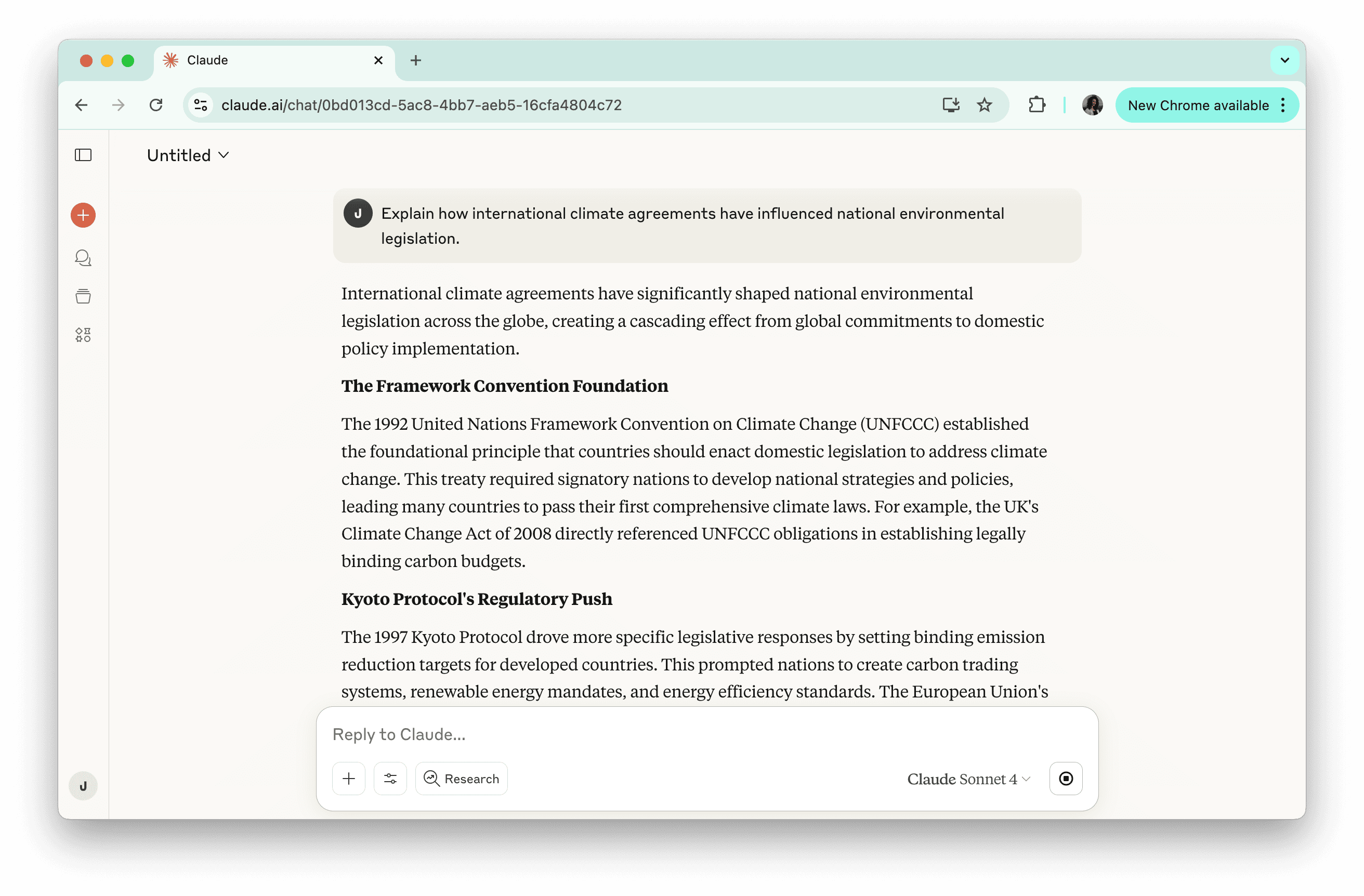
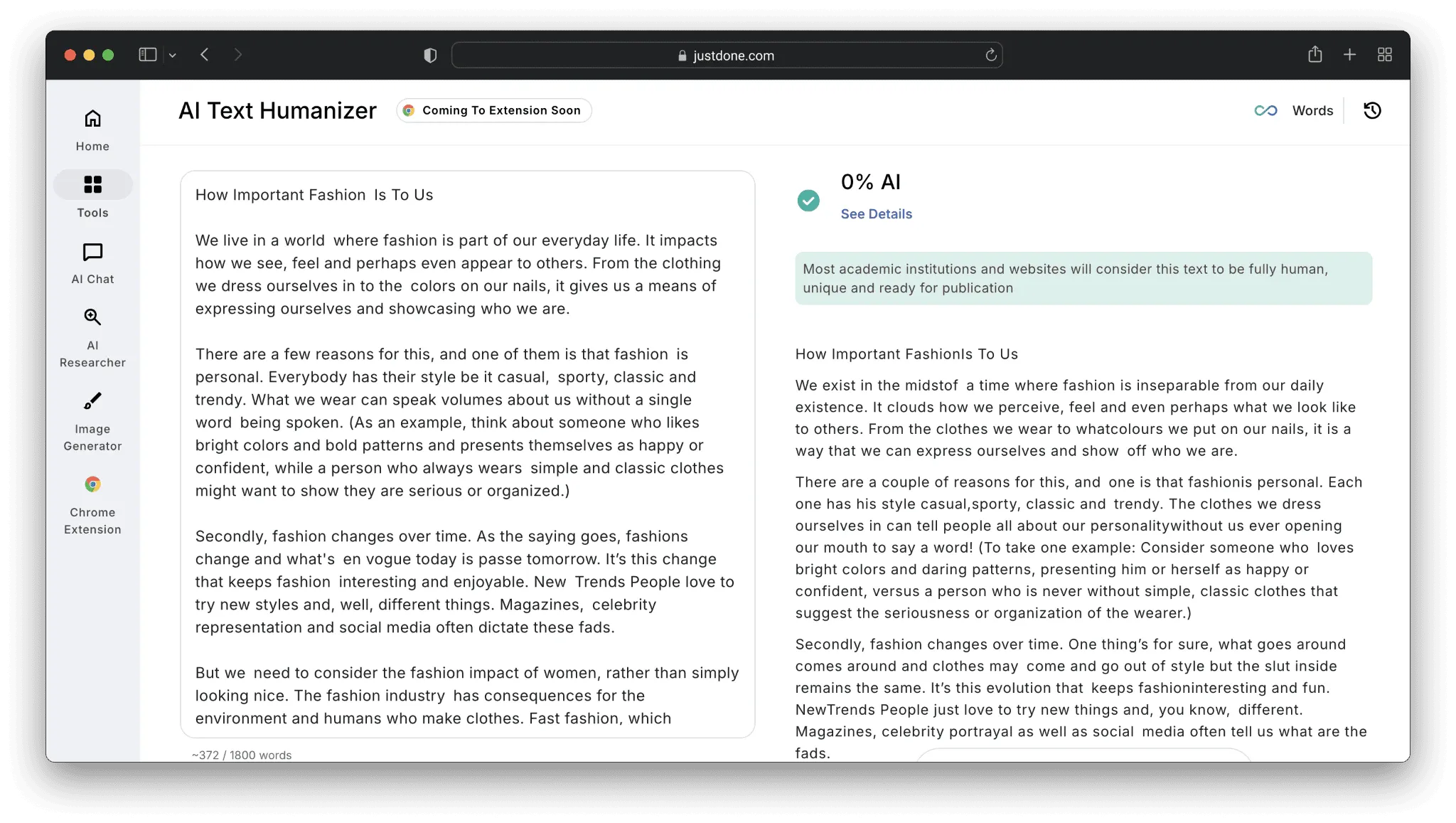
That said, its output can sometimes feel a bit formal or robotic. If you're creating content for publication or client work, running it through JustDone AI humanizer smooths out awkward phrasing and makes the text feel more natural.
How Claude Actually Works
In simple terms, Claude doesn't "understand" things like a human. It's trained on massive amounts of text, recognizes patterns, and predicts likely next words. Here's what that means in practice:
- It can process long documents. Claude's context window is larger than many competitors, so you can paste in an entire report and still get coherent analysis.
- It follows written guidelines. Anthropic uses "Constitutional AI" to reduce harmful or misleading outputs.
- It reasons step by step. Claude breaks complex tasks into manageable steps, which helps when you need logical explanations rather than just facts.
- Even with these strengths, some outputs may still sound like AI. JustDone AI can help identify and refine those sections so your content feels more human.
Practical Ways to Use Claude
Claude works well for a variety of tasks:
- Writing drafts and outlines: Ask Claude to draft emails, blog posts, reports, or creative content. You'll usually need to polish it, but it's a solid starting point.
- Analyzing documents: Paste text or upload PDFs to summarize key points, identify themes, or extract information.
- Researching topics: Claude explains concepts, compares ideas, or provides background. Always double-check important facts.
- Coding assistance: It can write and explain code, debug problems, and clarify existing scripts.
- Working through decisions: Explore pros and cons or organize your thinking around complex problems.
One limitation: Claude doesn't browse the web by default. For up-to-date info, you'll need to enable web search (paid users) or provide the data yourself.
Claude vs. ChatGPT: Pick the Right Tool
TL;DR: Claude excels at long-form analysis while ChatGPT offers greater flexibility for diverse tasks.
Both AI tools can handle similar tasks but have different strengths.
Claude shines with long, document-heavy tasks and structured reasoning. It's ideal for research papers, contracts, or complex arguments. ChatGPT, on the other hand, is faster for brainstorming, short-form writing, and tasks that benefit from plugins, images, or voice features.
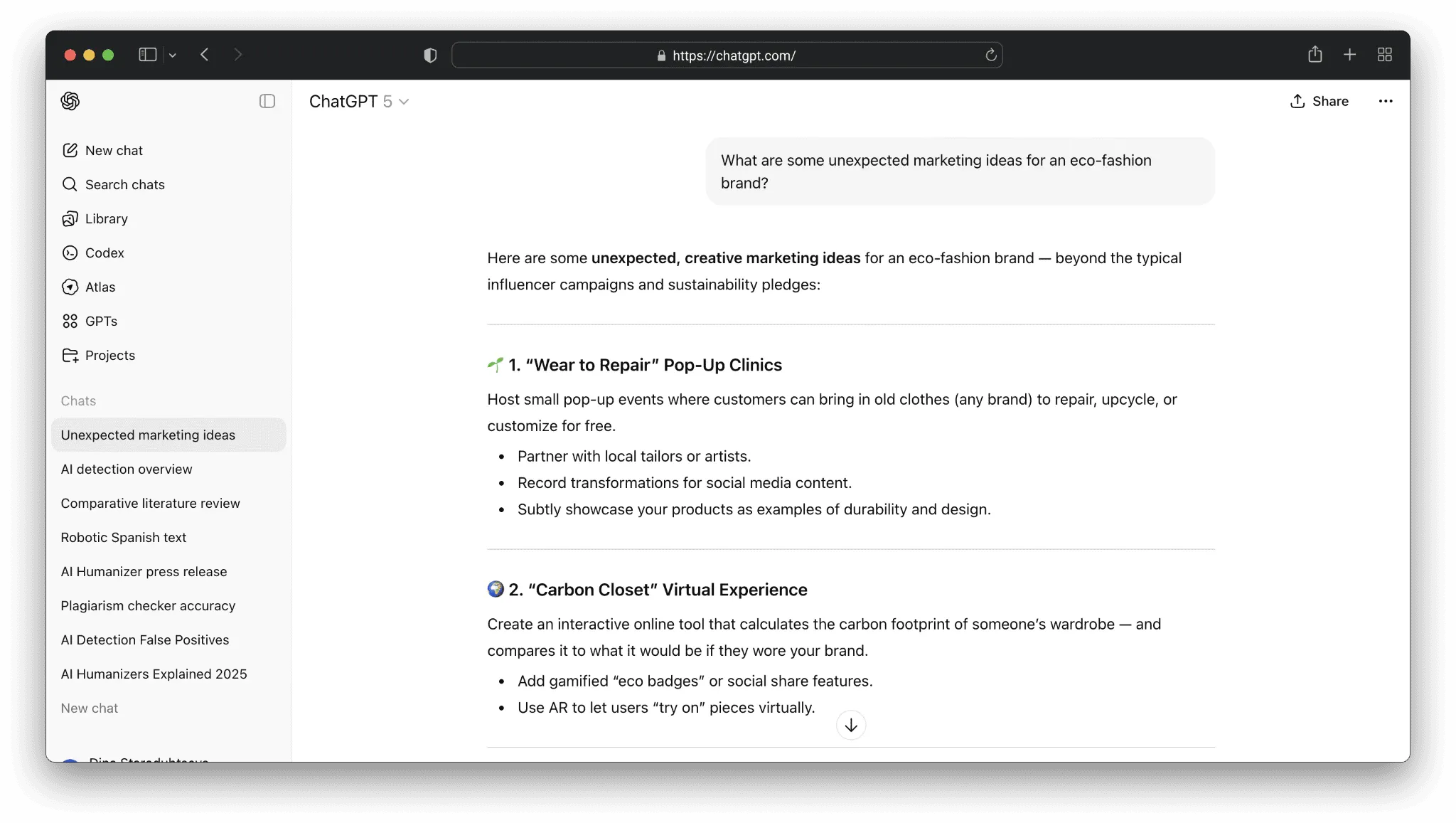
For most writing tasks, both produce usable first drafts. The real question is what you do with those drafts. AI text often has telltale signs—repetitive phrasing, generic sentences, overly balanced arguments. JustDone AI helps spot and fix these patterns, giving your content a more human touch without losing AI efficiency.
Tips for Getting Better Results From Claude
A few simple strategies go a long way:
- Be specific. Don't just ask for "a blog post about productivity." Include audience, tone, length, and key points.
- Give context. The more Claude knows about your project, the more helpful its suggestions will be.
- Ask for reasoning. If you want to understand its suggestions, ask Claude to explain them.
- Iterate. The first answer is rarely perfect. Point out what's off and ask for revisions.
- Break tasks into parts. Instead of one huge prompt, start with an outline, then expand sections step by step.
These small steps make a big difference in output quality and reduce time spent fixing drafts later.
Where Claude Falls Short
Claude is powerful, but it’s not perfect:
- It can make things up. Always verify facts, especially for important content.
- It lacks real-time info. Without web search, it won’t know recent events or prices.
- No image generation. You’ll need a separate tool for visuals.
- Usage limits. Free plans have message caps; paid plans increase limits but don’t remove them entirely.
- AI-style output. Even the best outputs can sound robotic. Here’s where JustDone AI comes in, refining text so it reads naturally.
Think of these limitations as areas where human judgment—or a supportive tool—adds the finishing touch.
Making Claude Work for You
Claude is strongest when used alongside human input and smart tools. Draft content, summarize research, and analyze documents with Claude, then let JustDone AI smooth out phrasing and check for unnatural patterns.
No single tool does everything perfectly. The key is to build a workflow where each tool does what it does best—and the result is content that’s accurate, readable, and ready for real audiences.
