Try JustDone

Analyze Websites with AI and Get Instant Insights

Paste a link and get a full breakdown in seconds — summaries, key points, and answers to any question about the page.

Try JustDone
  • Rocket

    Instant analysis of any public webpage — no manual reading required.

  • Rocket

    Ask follow-up questions and get detailed answers based on page content.

  • Rocket

    Works with articles, landing pages, competitor sites, docs, and more.

Understand Any Webpage Without Reading Every Word

Most people skim pages and miss what matters. JustDone reads the full content for you and lets you ask questions about it — like having a research assistant who already read everything.

Full-Page Content Analysis

Long articles, landing pages, documentation — the AI processes the entire page, not just the first few paragraphs. It builds context from headlines, body text, metadata, and structure. So when you ask a question, the answer reflects the full picture, not a surface-level skim.

Chat-Based Interface

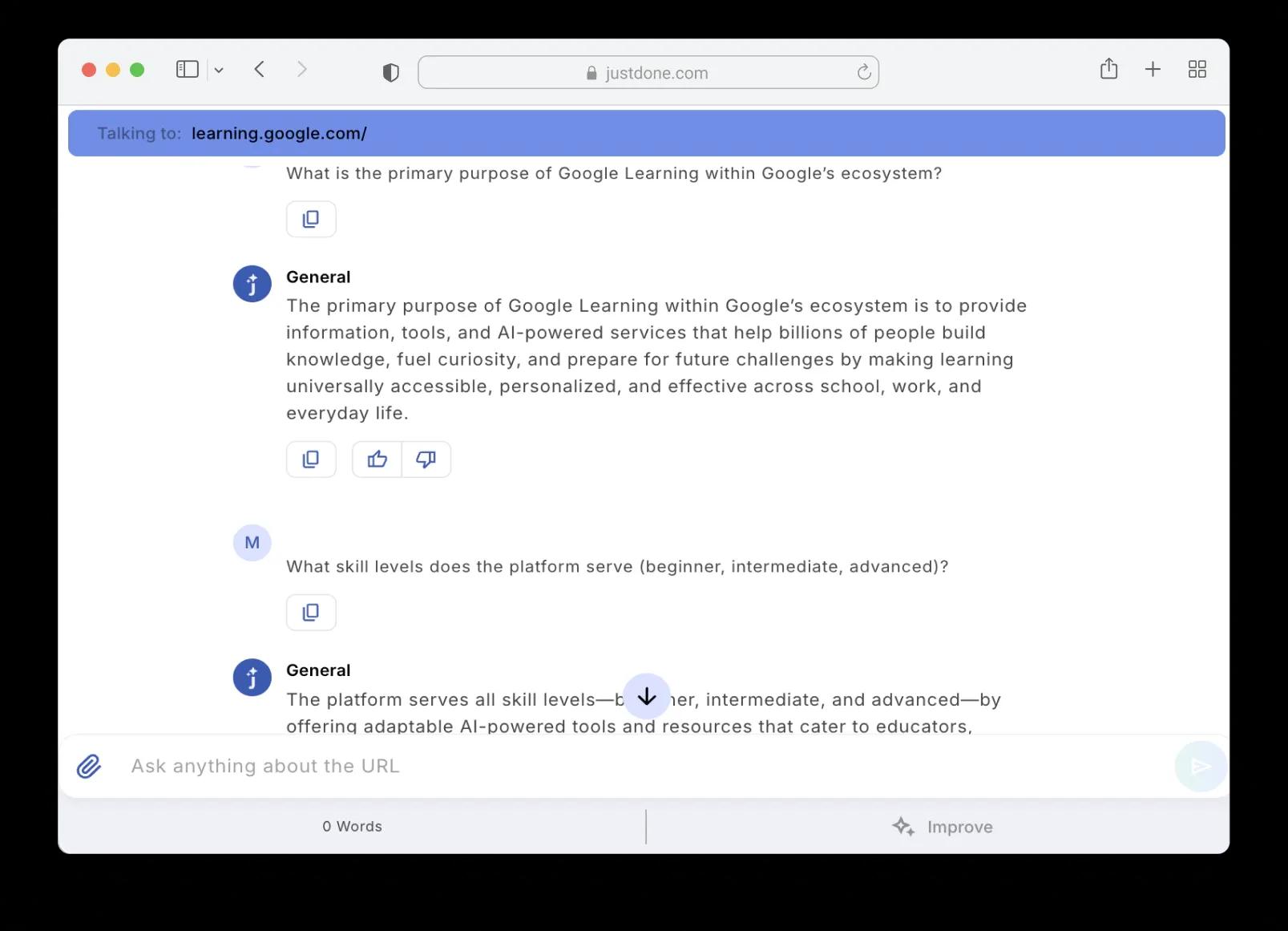
This isn't a one-shot summarizer that gives you a block of text and leaves. You paste a URL, get an initial overview, and then ask follow-up questions — as many as you need. "What's the pricing model?" "Are there any limitations mentioned?" "Compare this to what I read earlier." The conversation keeps going until you have what you need.
Flexible Output Formats

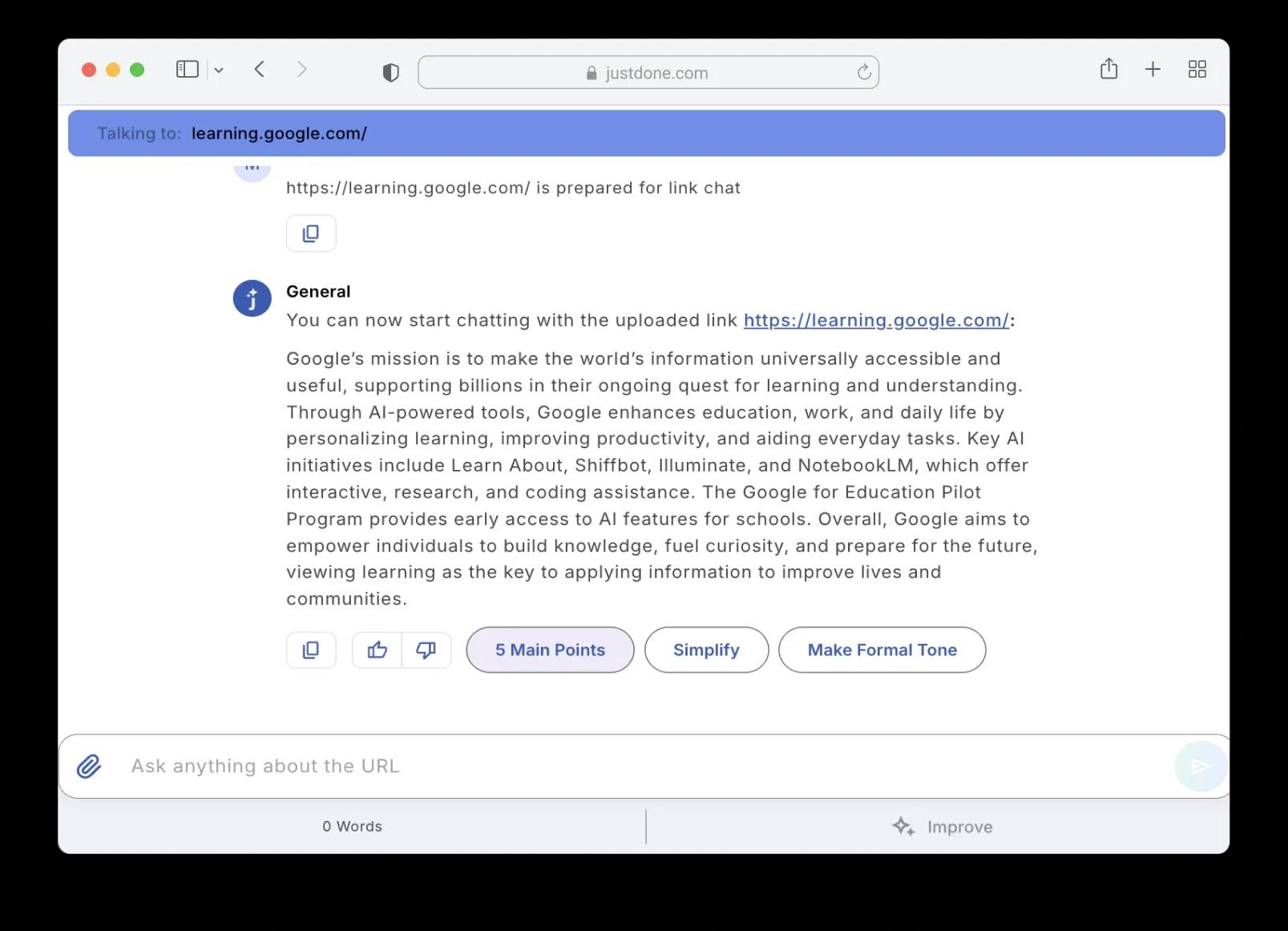
Need five bullet points for a meeting? A formal summary for a report? A simplified version for a non-technical reader? Pick how you want the output — JustDone adapts the analysis to the format and tone you need, not the other way around.

Works With Any Public URL

Blog posts, news articles, product pages, company websites, documentation, research papers published online — if it has a public URL, JustDone can analyze it. No browser extensions, no copy-pasting walls of text, no file uploads required.
Fast Processing

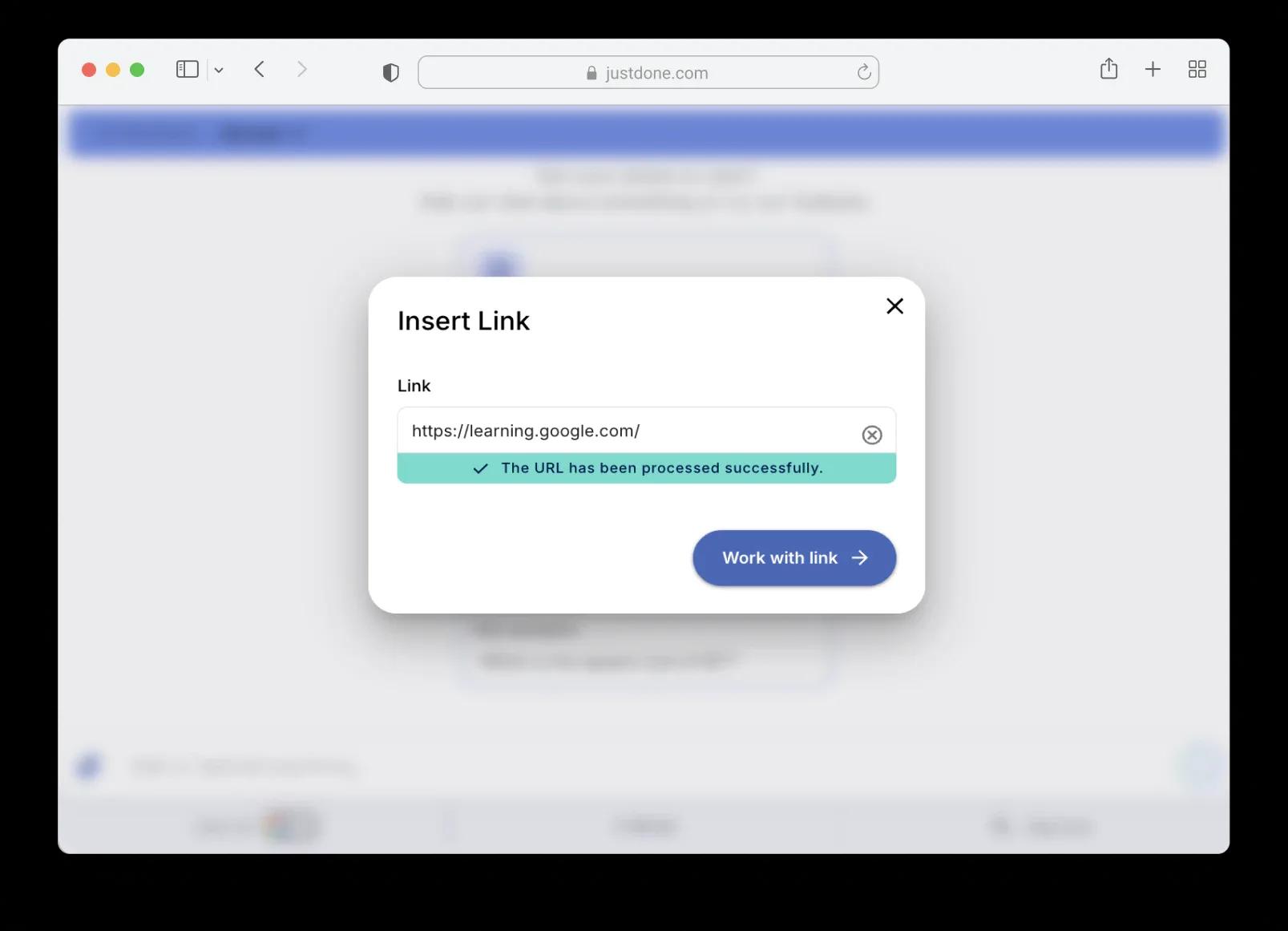
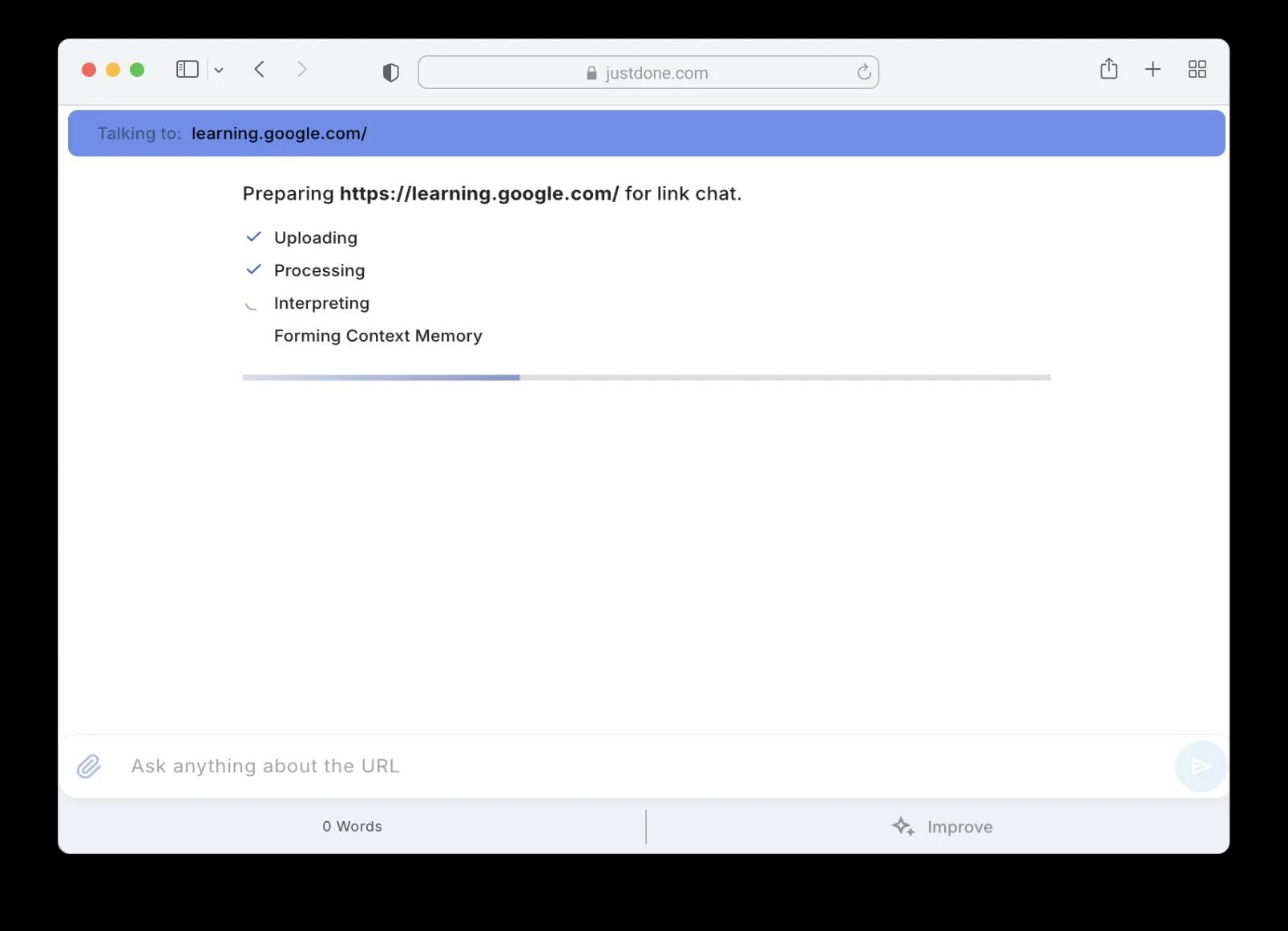
Paste the URL, hit submit, and JustDone uploads, processes, interprets, and forms a context memory of the page — usually in under a minute. After that, every question you ask gets answered instantly because the AI already understands the full content.
Get More From Every Webpage You Visit

A few smart habits turn a basic URL analysis into real, usable insight.

Start With the Right Question

The AI gives you an overview automatically, but the real value comes from your follow-ups. Instead of reading a generic summary and moving on, ask specific questions: "What claims does this page make without evidence?" or "What's the main CTA and who is it targeting?" Specific questions pull out specific answers — that's where the tool becomes more useful than reading the page yourself.

Use It for Competitive Research and Content Analysis

Paste a competitor's landing page, product page, or blog post and ask JustDone to break down their messaging, value propositions, or content structure. You can analyze multiple URLs in separate chats and then compare the insights side by side. It's faster than reading five competitor pages manually and trying to remember what each one said.

Combine With Other Tools for a Complete Workflow

Website analysis is often just step one. After you extract the key points, you might need to write a summary email, create a report, or draft a response. JustDone connects directly to other tools — so you can go from analyzing a webpage to producing a finished document without switching platforms.

AI Website Analyzer for Every Use Case

    Research and Due Diligence

    Analyzing company websites, product pages, or industry reports for work? Paste the URL and ask the AI to extract key facts, claims, pricing details, or competitive positioning. Get structured answers instead of scanning through paragraphs looking for what matters.

    Quick Summarization

    Long article, dense documentation, or a page you don't have time to read? Get the main points in seconds. Choose between a brief overview, detailed bullet points, or a formal summary — whatever fits your workflow.

    Content and SEO Review

    Want to understand how a competitor structures their content, what keywords they target, or what tone they use? The website analyzer breaks down page content at a level that's useful for content strategists and SEO specialists — without requiring manual copy-paste into spreadsheets.

Try JustDone

How AI Website Analyzer Works

1

Paste the URL

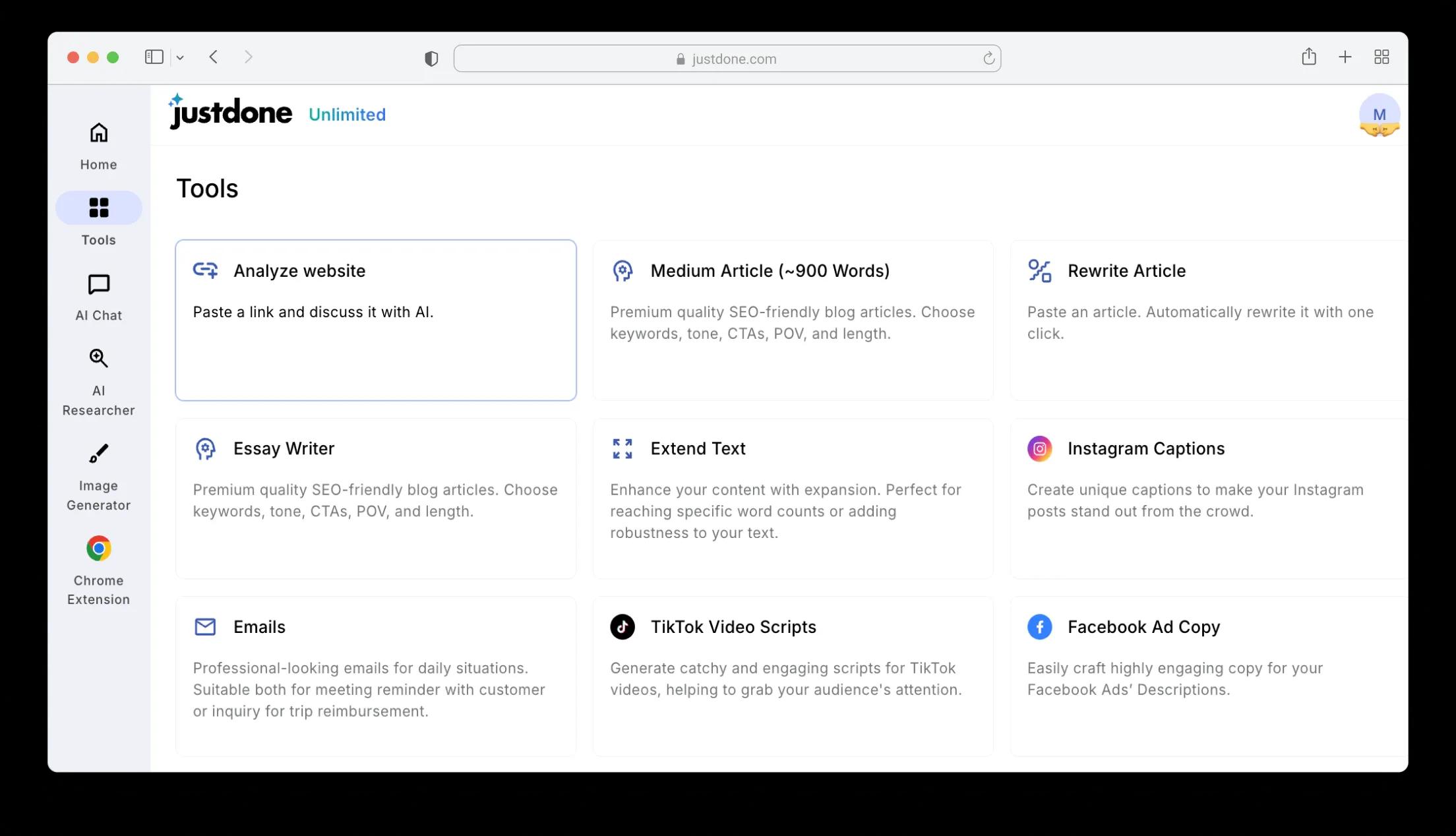
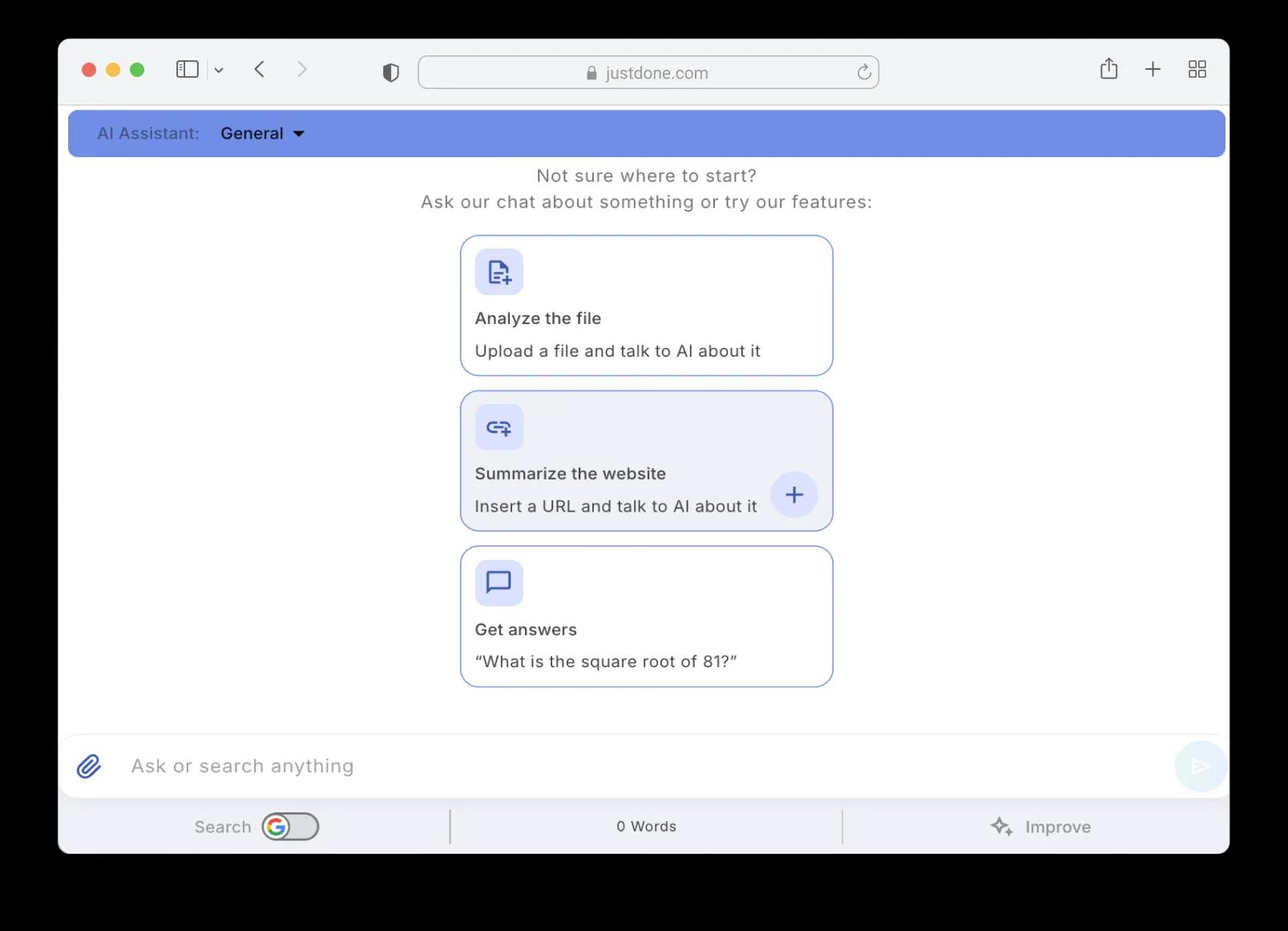
Open the Analyze Website tool and paste any public URL — a blog post, product page, news article, documentation, or landing page.

2

Wait for processing

JustDone uploads the page, processes its content, interprets the structure, and forms a context memory. This usually takes under a minute.

3

Get an instant overview

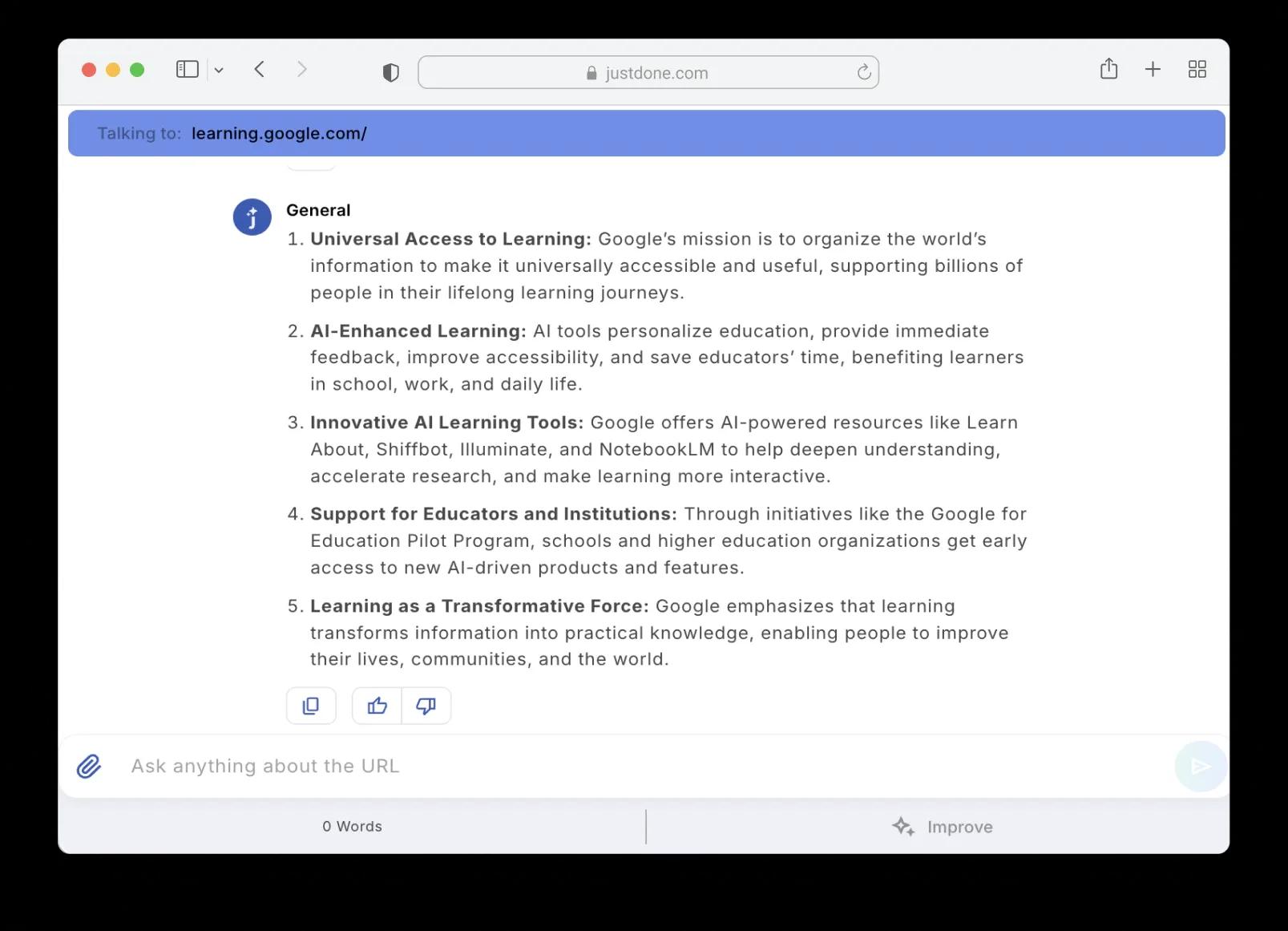
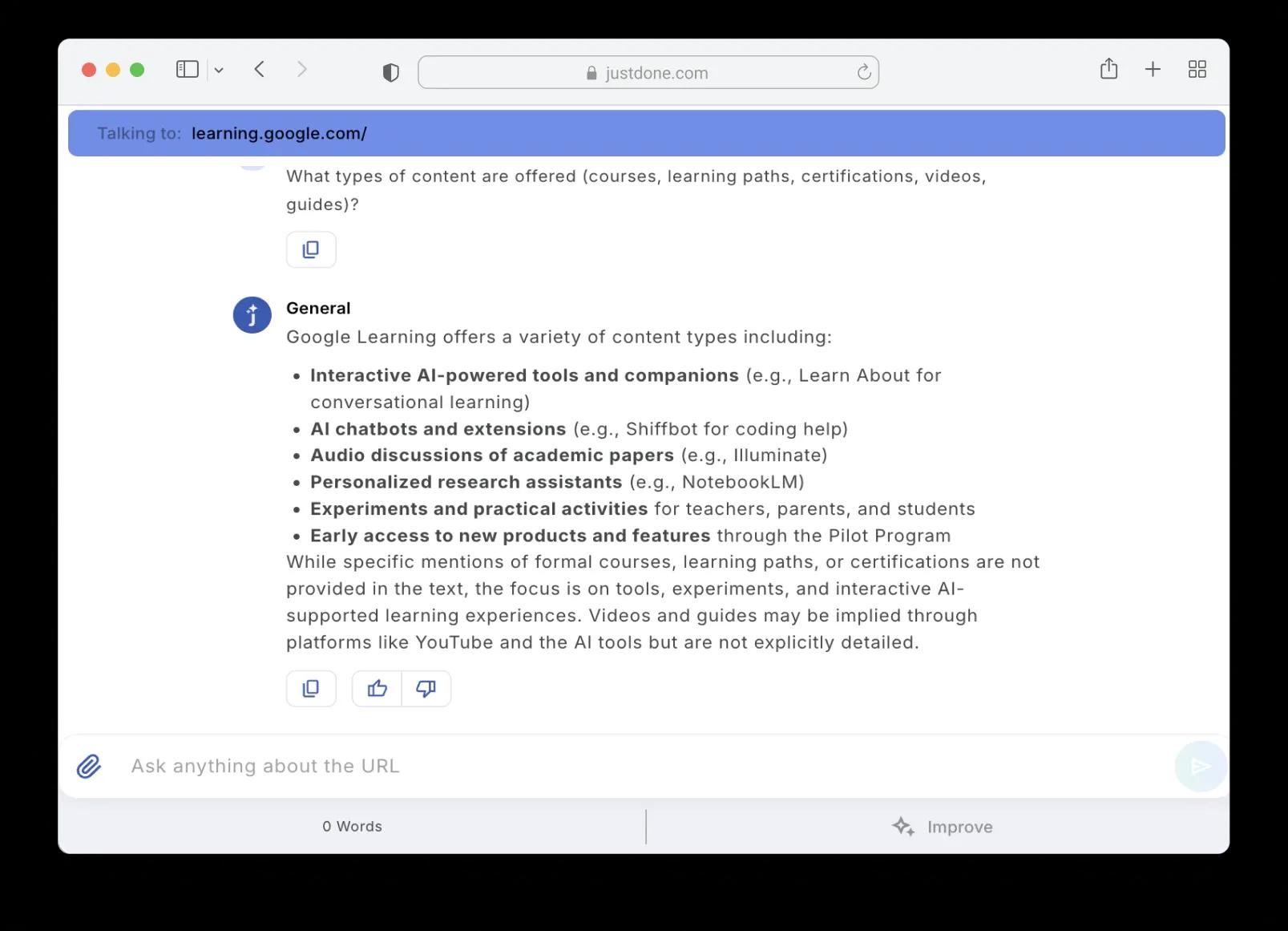
The AI provides an initial summary of the page — what it's about, what the key points are, and what's worth paying attention to.

4

Ask follow-up questions

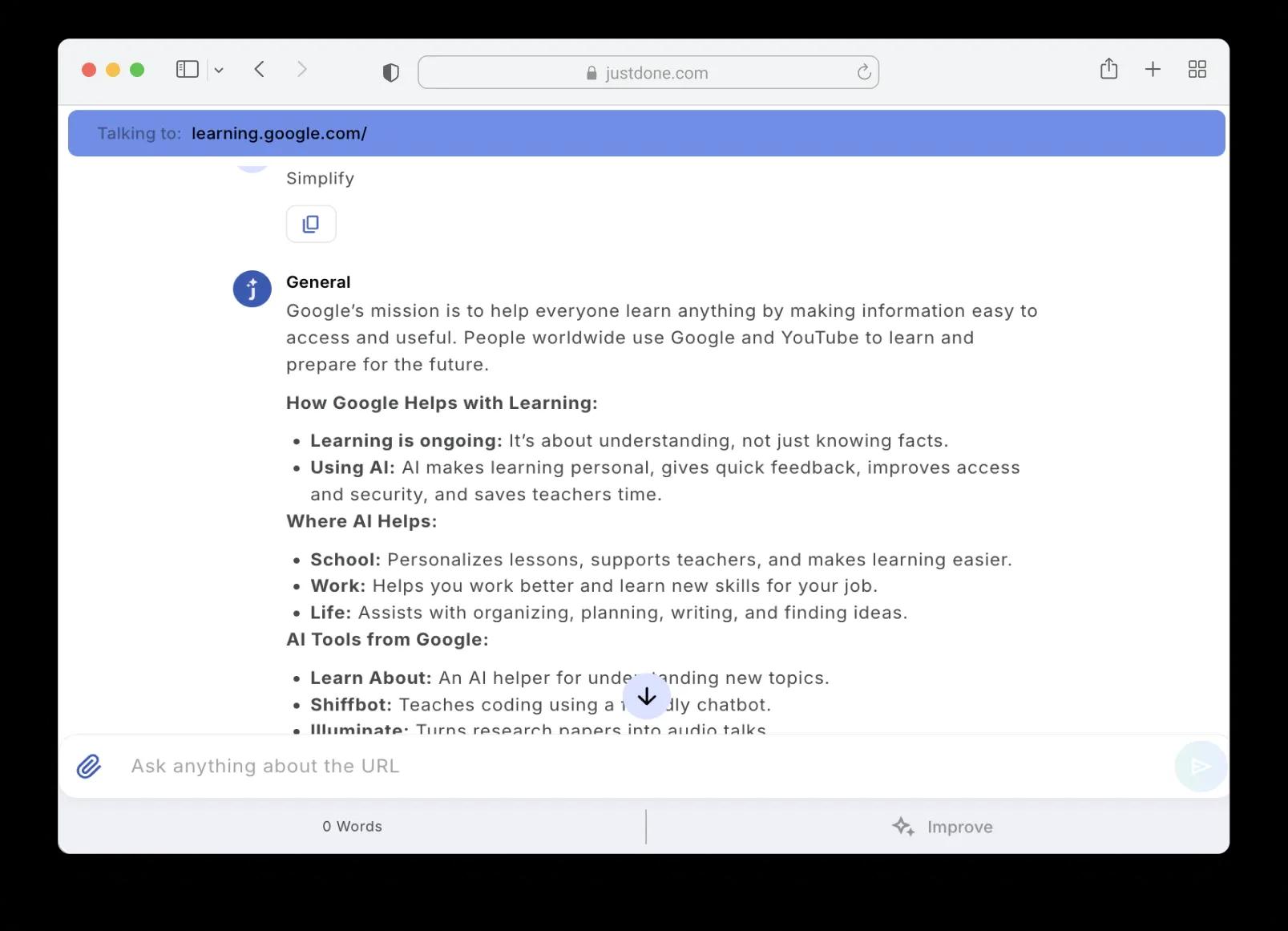
This is where the real value is. Ask anything: "What are the main claims?", "Summarize the pricing section", "What tone does this page use?" The AI answers based on the full content it already processed.

5

Adjust the output

Use built-in options like "5 Main Points", "Simplify", or "Make Formal Tone" to reshape the output for your specific need.

6

Copy or continue

Copy the results to use elsewhere, or keep the conversation going. Every follow-up question builds on the context the AI already has.

Use AI Website Analyzer With Other JustDone Tools

Frequently Asked Questions

Any publicly accessible webpage — blog posts, news articles, product pages, landing pages, documentation, company websites, and online research papers. The tool can't access pages behind login walls or paywalls.

Usually under a minute. JustDone uploads the page content, processes it, interprets the structure, and builds a context memory. Once that's done, every follow-up question is answered instantly.

Yes — that's the whole point. After the initial analysis, you can ask as many follow-up questions as you need. The AI remembers the full page content throughout the conversation, so each answer builds on the context it already has.

Yes. JustDone supports 45+ languages. If the webpage is in French, Spanish, German, or another supported language, the AI analyzes and responds in that language — or you can ask it to respond in English regardless of the source language.

Each URL gets its own chat session. You can open multiple analyses in separate chats and compare insights across them. This is especially useful for competitive research or content benchmarking.

Yes. JustDone doesn't store or use the analyzed content to train its models. Your sessions are private and the page content you analyze stays between you and the tool.

Speed and depth. The AI processes the full content in seconds and lets you query it — asking specific questions, requesting structured outputs, comparing sections. For long or complex pages, it's significantly faster than reading and taking notes manually. And you can always go back to ask more without re-reading.

You can copy any part of the conversation — summaries, key points, answers — directly to clipboard. For more formatted exports, paste the results into other JustDone tools like the Document Generator or Email Writer.

some-alt